
Back

Preview & Launch

14/1/2023

How to generate a Tour preview

  1. Go to the Embed & Preview page
  2. Select Preview or copy the preview URL and paste it on a different tab

Where to find the embed code to install on your website

  1. Got to the Embed & Preview page
  2. Choose how you'd like to embed your tour (widget, in-line, library or pop-up button)
  3. Scroll down and choose to embed either with Dynamic Defaults or with Hardcode Details
  4. The code snippet for your tour will appear for you to copy and install

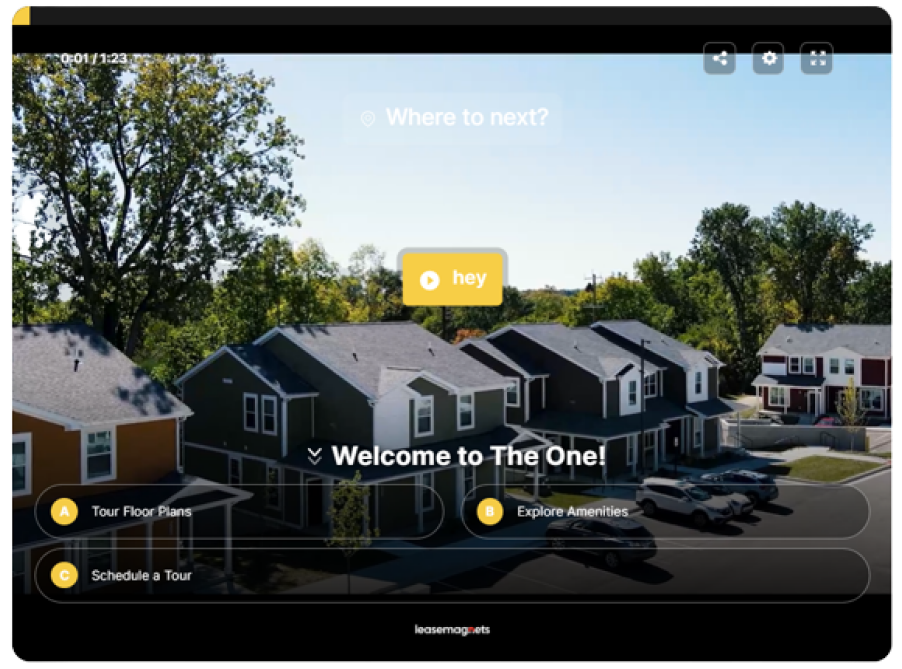
Widget

In-line

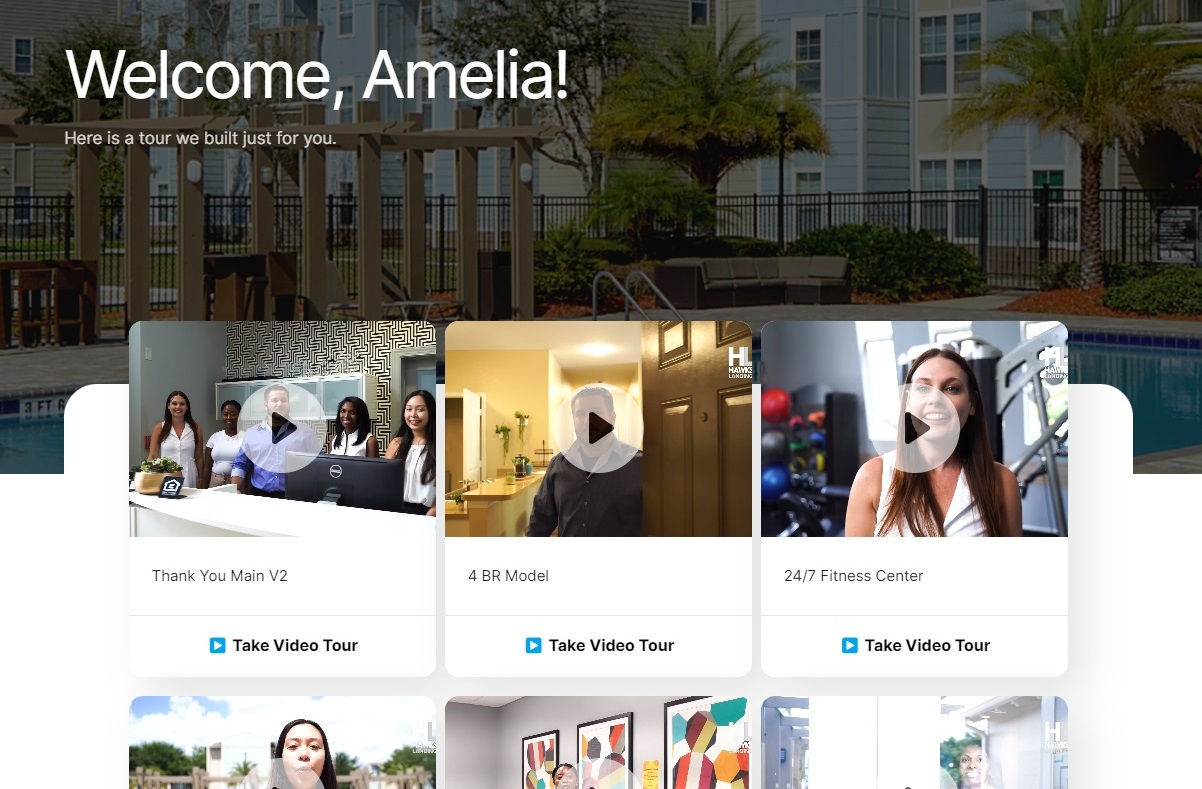
Video Library

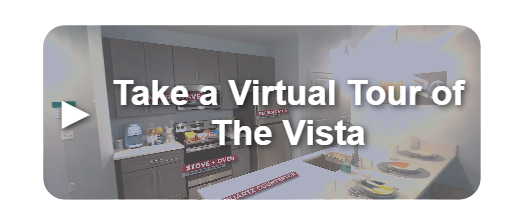
Pop-up Button

Related questions

Help Icon

FAQs

A short list of frequently asked questions and tips about using Tour.

Get my Virtual Tour Checklist

A shotlist of the videos that you need to ensure you complete an entire tour on your filming day.

Try Tour — for free

Start your free trial! Embed your best Sales agent and get 3.5x more engagement, capture 150% more leads, and be 3x more sales efficient.

Go to UseTour.com